CVE-2026-96568 vulnerability and BitFire protection

How BitFire Blocks CVE-2026-96568: Restaurant Menu Stored XSS

WordPress vulnerability research

An unauthenticated checkout field stores JavaScript that executes in admin browsers; BitFire FREE's WAF blocks the malicious POST before WordPress stores it.

Unauthenticated High severity – CVSS 7.2 Script execution in admin sessions Stored cross-site scripting
BitFire · Vulnerability advisoryResearch published
AdvisoryCVE-2026-96568
ComponentRestaurant Menu and Food Ordering
Relevant sourceclasses/models/shop/class-purchase.php (purchase_form_validate_phone) and classes/models/shop/class-order.php (Order::column_order_title)
Executive summary

What WordPress administrators need to know

Restaurant Menu and Food Ordering 2.4.14 lets an unauthenticated visitor plant persistent JavaScript in a restaurant's WordPress database through the checkout form. The plugin accepts a phone_number field, strips only HTML tags, stores it on the order and customer records, and later prints it unescaped inside the admin Orders and Customers tables. Any administrator or shop manager who opens those screens executes the payload with full session privileges. BitFire FREE's WAF stops this attack at the front door: it inspects the checkout POST body, detects the injected script content, and blocks the request before WordPress stores anything. Version 2.4.15 closes the flaw; BitFire blocks it on unpatched sites.

At a glance

Key facts

  • Unauthenticated AJAX (mprm_process_checkout) and front-end checkout (mprm_purchase) endpoints accept the phone_number value with no nonce or capability check.
  • sanitize_text_field strips tags only; quote characters and entity-encoded text survive and are stored on order meta and customer records.
  • Order::column_order_title() and the Customers list telephone column echo the stored value unescaped, running attacker script in admin browsers (S:C, C:L/I:L).
  • Version 2.4.15 adds a strict phone allowlist (/[^0-9 +().-]/) plus esc_attr/esc_html/esc_url output escaping at every affected sink.
  • BitFire FREE's WAF cross-site scripting inspection blocks the malicious checkout POST before WordPress stores anything — behavior-based protection, no CVE-specific virtual patch required.
  • Sites that ran 2.4.14 or earlier should run BitFire Threat Hunter to rule out backdoor admins, database triggers, and droppers.
01
Vulnerability overview

Understand the exposure

The affected component, attack path, and practical risk for WordPress websites.

Affected componentRestaurant Menu and Food Ordering
Potential reach2,000 installations
Attack techniquestored cross-site scripting
Published2026-09-24
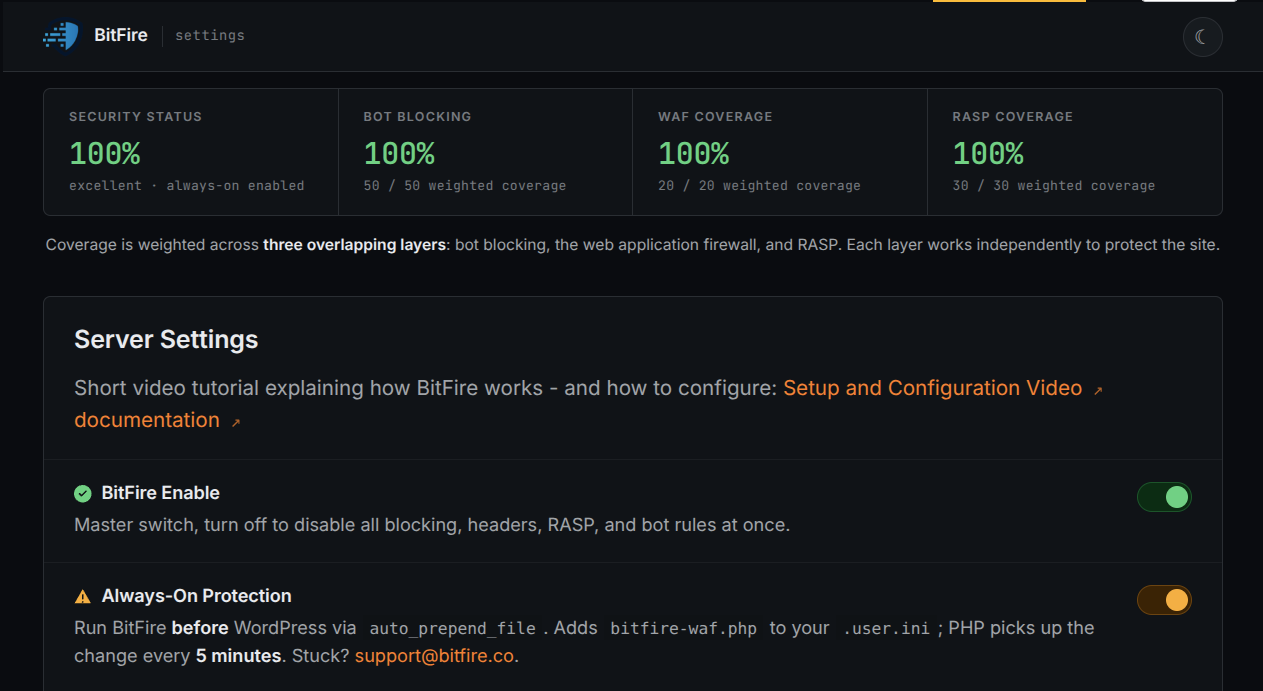
BitFire's WAF reads every checkout submission before WordPress does — the injected script that powers CVE-2026-96568 is blocked at the request line, never stored, and never rendered in your admin screens.
02
Technical analysis

How the vulnerability works

Research details, affected versions, exploitation behavior, and remediation guidance.

How CVE-2026-96568 Works

Both checkout paths — the admin-ajax.php action mprm_process_checkout and the front-end mprm_purchase form — accept submissions from logged-out visitors, and the 2.4.14 handler checks neither a nonce nor a capability. The submitted phone_number value passes through sanitize_text_field, which strips tags but leaves quote characters and entity-encoded text intact. The value is saved to the order's _mprm_order_phone_number meta and the customer record's telephone field. When an administrator opens the Orders or Customers list table, Order::column_order_title() and the customers report drop that stored value straight into HTML — an href attribute and cell text with no escaping. The stored script then runs in the admin's browser under the admin's session, a scope change consistent with the CVSS:3.1 vector behind its 7.2 score.

BitFire FREE's WAF Stops the Injection at Delivery

The exploit lives or dies at delivery: the malicious content must arrive inside the phone_number field of a checkout POST. BitFire FREE's Web Application Firewall inspects exactly that — form data and POST bodies — before WordPress runs any plugin code. Its cross-site scripting detection matches the injected script payload in the request and blocks it on the spot, so nothing hostile is stored and the admin Orders and Customers tables have nothing dangerous to render. Because this is behavior-based request inspection rather than a CVE-specific virtual patch, it also covers variants of the same attack. Both delivery routes, the admin-ajax.php action and the front-end form, cross this filter. BitFire WAF ships in BitFire FREE for eligible non-commercial sites; commercial sites require the appropriate commercial license.

The 2.4.15 Fix: Validate Input, Escape Output

Version 2.4.15 attacks the flaw at both ends. On input, purchase_form_validate_phone() now type-checks the submitted value and rejects it with a checkout error when preg_match('/[^0-9 +().-]/', $number) matches — only digits and phone punctuation survive, so quotes and markup can no longer be stored. On output, column_order_title() wraps the admin URL in esc_url(), names in esc_html(), and the phone number in both esc_attr() and esc_html(); the customers table gains the same escaping on its telephone, email, and name columns. The output fix also neutralizes any hostile values stored by earlier versions. Update to 2.4.15 or later immediately — but patching a plugin does not evict an attacker who already used it.

If Your Site Was Affected, Investigate for Persistence

Stored XSS gives an attacker a foothold in an administrator's browser, and a compromised admin session is how WordPress sites get rearmed. If your restaurant site ever ran 2.4.14 or earlier, treat it as possibly compromised: patch first, then run BitFire Threat Hunter. Threat Hunter performs a thorough post-compromise investigation and digs up exactly the artifacts that matter here — backdoor WordPress administrator accounts, hidden database triggers, suspicious database content such as planted payloads, long-running PHP processes, and droppers that can restore malware or reinfect the site. Remove every finding, rotate administrator, application-password, and other relevant credentials, and do not assume a missing malicious file means the site is clean.

Conclusion: Block the Request, Close the Door

Stored XSS in a checkout field is one of the easiest WordPress attacks to deliver and one of the most damaging to absorb, because it detonates in your admin session. BitFire gives you two decisive moves: the FREE WAF that blocks the poisoned checkout request before WordPress processes it, and BitFire Threat Hunter to hunt down any persistence a prior compromise left behind. Patch to 2.4.15 today, deploy BitFire, and run Threat Hunter once — before an attacker decides your order list is the easiest door into your site.


03
Source review

Vulnerable and fixed code

The relevant source is located in classes/models/shop/class-purchase.php (purchase_form_validate_phone) and classes/models/shop/class-order.php (Order::column_order_title).

BeforeVulnerable behavior
// 2.4.14 — classes/models/shop/class-purchase.php: input only tag-stripped
$number = isset( $_POST['phone_number'] )
    ? sanitize_text_field( wp_unslash( $_POST['phone_number'] ) )
    : 0;

// 2.4.14 — classes/models/shop/class-order.php (Order::column_order_title): phone echoed unescaped
' ' . $this->user_info['first_name'] . ' ' . $this->user_info['last_name'] . ' </a><br/><a href="tel:' . $this->phone_number . '">' . $this->phone_number . '</a>'
AfterCorrected behavior
// Corrected behavior, abridged from the supplied writeup (2.4.15)

// classes/models/shop/class-purchase.php: strict phone allowlist
if ( preg_match( '/[^0-9 +().-]/', $number ) ) {
    // checkout rejected with a validation error
}

// classes/models/shop/class-order.php: phone escaped for attribute and text
' ' . $this->user_info['first_name'] . ' ' . $this->user_info['last_name'] . '</a><br/><a href="tel:' . esc_attr( $this->phone_number ) . '">' . esc_html( $this->phone_number ) . '</a>'
04
Zero-day protection

Protection from the first exploit request

BitFire protects WordPress servers on day zero—before a vulnerability is publicly known and before other vendors have time to develop signatures or patches.

01 · VerifyStop unknown clients

Bot controls and browser verification stop untrusted automated clients before previously unknown exploit code reaches WordPress.

02 · DetectBlock malicious behavior

General WAF protections identify dangerous request behavior and hostile payloads without waiting for a vulnerability-specific signature.

03 · PreventContain attacks at runtime

RASP follows execution inside PHP and prevents unauthorized changes to protected files, accounts, and database content.

BitFire · WordPress protectionZero-day ready
BitFire zero-day WordPress vulnerability protection
BitFire combines verified-client controls, behavior-based WAF detection, and runtime RASP enforcement to protect WordPress before an exploit has a name, CVE, signature, or vendor patch.
About the author

Cory Marsh

Cory has more than 20 years of internet security experience and is a lead developer on the BitFire project.

Read BitFire security research →
Protect your WordPress website

Add protection before the next exploit arrives.

BitFire combines bot controls, request inspection, malware detection, and runtime protection in one WordPress security platform.

Protect my site free →